Showing posts with label Educational Technology. Show all posts

Monday, July 25, 2022

Universal Learning Design (UDL) Engagement Principle


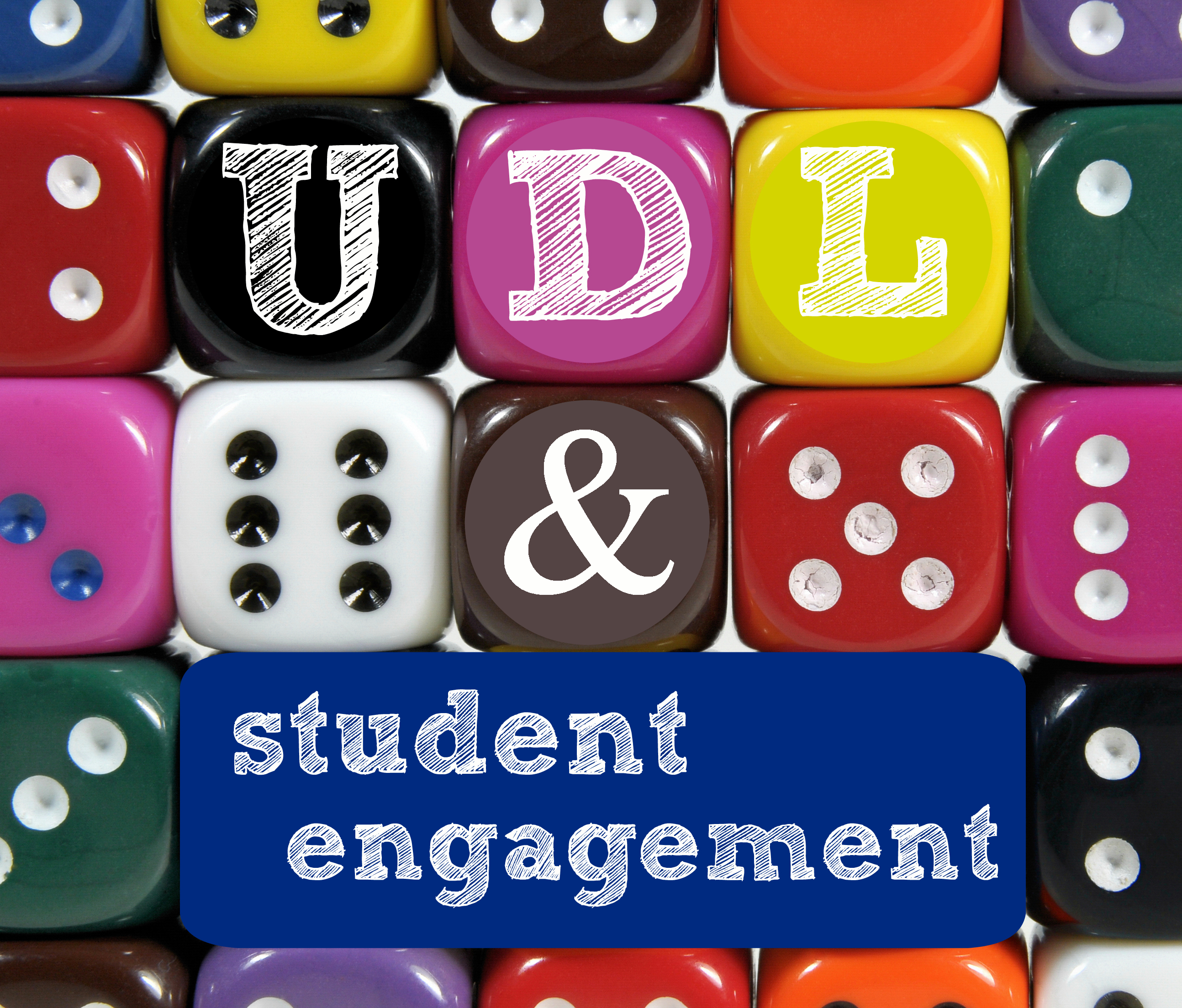
Image (Brookes, 2021)

Universal Learning Design (UDL)

There is a considerable chance that you have encountered universal design in your daily life, even if you are not familiar with the term. Automatic doors, closed captioning, accessible building infrastructure, and curb cuts that allow wheelchairs to pass are a few examples of universal design. Even though these designs are helpful to people with disabilities, they may also be useful to people without impairments (Morra & Reynolds, 2010).

Utilizing three main principles that offer numerous opportunities for engagement, representation, and action and expression, the universal design for learning framework offers educators a variety of strategies and resources to assist in giving a diverse group of students an equal opportunity to succeed.

In this blog, we'll concentrate on the principle of engagement, and I'll offer three instructional tools that teachers can utilize to enhance student involvement while adhering to the UDL standards.

Engagement Principle

The principle of engagement in UDL has three levels of guidelines that include recruiting interest (RI), sustaining effort and persistence (SEP), and self-regulation (SR).

Recruiting Interest (RI)

The educator should offer the appropriate kind of options for achieving a goal when attracting interest. Giving students a level of autonomy can help them become more self-reliant, experience more pride in their accomplishments, and feel more connected to their study (CAST, 2021). Lessons and activities should maximize relevance, value, and authenticity to engage students in order to recruit all learners equitably (CAST, 2021). In order to create a safe environment in which learning can take place, teachers must first construct a welcoming and encouraging classroom that gives options that lessen risks and harmful distractions for everyone (CAST, 2021).

AnswerGarden

Anyone interested in adopting a quick and effective method to gather group comments can use AnswerGarden. It can be used for online brainstorming, live audience interaction, and classroom feedback. Teachers use AnswerGarden to gauge their students' proficiency with a particular subject. It is employed in conferences and workshops as a playful and interactive icebreaker with the audience (Creative Heroes, 2022).


Sustaining Effort and Persistence (SEP)

To help people maintain effort and focus in the face of distractions, it's vital to incorporate recurring or continuous "reminders" of the goal and its importance (CAST, 2021). All students can find tasks that are highly motivating by being given a variety of demands and resources (CAST, 2021). Peer cooperation can greatly improve perseverance and sustained effort when it is correctly designed (CAST, 2021). Greater diversity and various responsibilities are made possible by flexible grouping, which also offers opportunity to practice cooperating with others to the fullest. Feedback that is pertinent, constructive, accessible, significant, and timely is most effective at maintaining engagement (CAST, 2021).

Kaizena

A Google Docs add-on called Kaizena provides writing-related feedback for students. With Google Classroom and Docs, teachers who no longer use paper have more alternatives for feedback, including the possibility to leave audio comments using the Google Chrome extension (Meyers, 2020).


Self-Regulation (SR)

Each learner has a personal understanding of what motivates them. This is known as self-regulation. To achieve this, students must be able to set personal objectives that are genuinely attainable and cultivate the idea that their goals can be achieved (CAST, 2021). Long-term apprenticeships with scaffolding will be necessary for students to learn self-regulatory skills. Furthermore, it is crucial that students have access to a variety of self-assessment models and scaffolds so they can recognize and select the best ones (CAST, 2021).

myASL Quizmaker

Using American Sign Language (ASL) as their primary form of communication, deaf, hard-of-hearing, and other special needs children, teens, and adults can benefit from myASL Quizmaker's innovative software (IDRT, 2022). With the help of this software, a user (such as a teacher) can design unique tests, exams, and quizzes with automatic ASL graphic and video translations, give them to their students, get immediate scoring and data analysis, produce reports, and give each student their academic results and corrected quizzes. This assistive technology's English-to-ASL translation features a dictionary of more than 30,000 English words, phrases, idioms, numbers, and symbols (IDRT, 2022).


Resources

Brookes. (2021, July 22). 7 budget-friendly ways to promote student engagement: A UDL Post. Brookes Blog. Retrieved July 25, 2022, from https://blog.brookespublishing.com/7-budget-friendly-ways-to-promote-student-engagement-a-udl-post/

CAST. (2021, October 15). The UDL guidelines. UDL. Retrieved July 25, 2022, from https://udlguidelines.cast.org/

Creative Heroes. (2022). Answergarden ". AnswerGarden. Retrieved July 25, 2022, from https://answergarden.ch/about-AnswerGarden/

IDRT. (2022). myASLQuizmaker. About myasl quizmaker. Retrieved July 25, 2022, from https://www.idrt.com/aboutQuiz.php

IDRT. (2019, November 25). MyASLTech overview. YouTube. Retrieved July 25, 2022, from https://youtu.be/V3wl55_bIqI

Johnson, M. (2015, March 4). March madness minute #4 answergarden.ch. YouTube. Retrieved July 25, 2022, from https://youtu.be/_vR8HoUWL-A

Kaizena. (2018, June 29). Kaizena in 2 minutes. YouTube. Retrieved July 25, 2022, from https://youtu.be/tj--iDSds4Q

Meyers, A. (2020, August 25). Kaizena review for teachers. Common Sense Education. Retrieved July 25, 2022, from https://www.commonsense.org/education/website/kaizena


Sunday, June 26, 2022

Open Educational Resources (OER) as an Emerging Technology


Definition of Open-Educational Resources (OER)

OERs are education materials that are “born digital” and openly licensed and freely available to retain, reuse, revise, remix, and redistribute, also known as the 5Rs. Resources include workbooks, textbooks, pictures, lessons, syllabi and much more (EDUCAUSE, 2021).

Advantages

OERs are an affordable alternative to the expensive textbooks. Textbooks have always been high-priced. Students have a problem affording higher education and textbook costs can have negative impacts on students' success. Some of these effects include poor grades and dropped or failed courses because they could not afford to buy the book or the online program. When teachers use OER for their courses text material, it removes the barriers of expensive textbooks, thereby improving retention and student success (EDUCAUSE, 2021). Another benefit is that OERs create equality for students of different socioeconomic status. Also, because OERs are digital, information can be updated quickly (EDUCAUSE, 2021).

Barriers

According to the Horizon Report (2021), “While there has been a modest uptake, a constraint may be copyright legislation, whereby employers (i.e., universities) own the copyright for employees’ works. Another hurdle leading to the low rate of OER adoption is higher education signing up to publisher programs that provide students with exclusive access to material (EDUCAUSE, 2021).

Open Educational Resources (OER) Sites

Open Educational Resources (OER) | EDUCAUSE

Open Textbook Library (umn.edu)

OpenStax Homepage - OpenStax

When we share, everyone wins - Creative Commons


Resources

EDUCAUSE. (2021). 2021 Educause Horizon Report: Teaching and learning edition. EDUCAUSE. Retrieved June 26, 2022, from https://library.educause.edu/-/media/files/library/2021/4/2021hrteachinglearning.pdf?la=en&hash=C9DEC12398593F297CC634409DFF4B8C5A60B36E

Thursday, June 23, 2022

Barriers that Impede Technology Integration in Education


Technology is everywhere and we use it in a variety of ways. So why is it so hard to incorporate technology into a classroom setting? Here are some of the barriers that interrupt the use of technology in the classroom in no particular order.

Educator Discomfort

One challenge that educators may have with technology in the classroom is the idea of being disconnected from their students. Some educators may feel as though they are losing their identity as the Web 1.0 classroom teacher they are used to being (Seilhamer et al., 2018). 

Educators are afraid of accidentally jeopardizing students’ privacy, which can result in safety concerns for students and employment consequences.

Educators who are considered digital immigrants may need help with digital literacy. Their discomfort can lead to frustration, which then transfers to the students and causes them to be frustrated (Hughes et al., 2018).

Environment

The environment may affect technology in the classroom due to inadequate Wi-Fi and space. Some schools must share a computer lab. This issue means that each teacher has a specific time during one day of the week to use the lab for about one hour. How effective is that?

Lack of Money, Resources, and Time

Educators already do not have time to spare. They have to teach, grade, make lesson plans, make copies of worksheets, take care of recess or lunch duties. When will they have time to set up a virtual platform that caters to all twenty-two plus students? Not all schools have the money to supply every student with a mobile or technological device. One may think that the solution to this problem is to have students bring their own mobile devices but mobile devices are not equal. While some students may have unlimited data, some may not. Also, thinking about the elementary level, many students do not own a mobile device at this age.

Parents and Safety Concerns

This section pertains to the use of social media in the classroom. Some parents do not allow their child to participate on social media outside of the classroom. Hence, getting permission for students to use social media in the classroom can be a challenge. There are privacy concerns for student information. Concerns about cyber bullying and improper use can become a problem if digital citizenship and expectations are not explained.

Ideas for Integrating Technology into a Classroom Setting

  • First, teach digital citizenship and set expectations.
  • Use videos as a hook for a lesson.
  • Play educational games as a brain break.
  • Create a classroom blog.
  • Start with something simple such as a Twitter message board for parents and students.
  • Know the rules and laws about students’ private information.
  • Talk to administrators about professional development to encourage technology in the classroom.
  • Help educators to understand that technology integrated into education for the correct purposes can enhance the three C’s, collaboration, communication, and critical thinking (Hughes et al., 2018).


 Resources

Earls, K. (2020, December 21). Want to use social media in your classroom? follow these 7 rules (opinion). Education Week. Retrieved February 1, 2022, from https://www.edweek.org/teaching-learning/opinion-want-to-use-social-media-in-your-classroom-follow-these-7-rules/2018/09

 Hughes, S., Bradford, J., & Likens, C. (2018, February). Facilitating collaboration, communication, and Critical Thinking Skills ... Research Gate. Retrieved June 24, 2022, from https://www.researchgate.net/publication/323450473_Facilitating_Collaboration_Communication_and_Critical_Thinking_Skills_in_Physical_Therapy_Education_through_Technology-Enhanced_Instruction_A_Case_Study

Seilhamer, R., Chen, B., Bauer, S., Salter, A., & Bennett, L. (2018, April 23). Changing Mobile Learning Practices: A Multiyear Study 2012–2016. EDUCAUSE Review. Retrieved January 31, 2022, from https://er.educause.edu/articles/2018/4/changing-mobile-learning-practices-a-multiyear-study-2012-2016

Tuesday, June 21, 2022

Investigating Istation's Learning Environment


Learning Environment

Istation is a digital online program that provides blended learning for reading, math, and Spanish. It provides seven elements to help students grow. The seven elements are formative assessment activities that are similar to games. Adaptive Curriculum that adjusts to the students’ needs and capabilities. Personalized data profiles to guide teachers in choosing appropriate intervention strategies. Teacher Resources that help educators customize learning for individual students, small groups, or whole groups with the use of interactive tools, assignments, and scripted lessons. School-to-home connection offers 24-7 access to the program. Professional development supported by experts and technology and finally, proven results of greater benefits for students using the Istation program (Istation, 2022).


Cognitive Presence

Istation promotes cognitive presence as it presents academic content in activities such as games with engaging animations to keep students motivated. The adaptive curriculum can keep students engaged by meeting the students needs academically rather than a one size fits all approach where some students may get bored or frustrated and lose interest.

Teacher Presence

Istation’s environment facilitates teacher presence by gathering personalized data of the students. With personalized data, teachers can group students heterogeneously and homogeneously for the purposes of small group instruction and center time. Each student’s summation handout has the details about the student’s usage, performance, reading or math grade equivalency so that the teacher can select appropriate reading/math material for the students to target specific skills (Istation, 2022).

Social Presence

Istation does not promote social presence with online peers or teacher. Istation provides lessons that teachers may use in the classroom that may promote face-to-face social presence but not online social presence. Most of Istation’s lessons are digital lessons adapted for each individual. The lessons are repetitive and drill like.

Glows

In my opinion, the highlight of Istation is that it has an adaptive curriculum that differentiates lessons for each student’s curriculum. Another valuable element of Istation is that teachers can obtain personalized data for the purposes of monitoring learning and guiding their instruction.

Grows

The weakness of Istation is its online social presence. It fails to create a community of online learners. Students learn independently of each other when they are completing their adaptive lessons. Hence, most of the students learning is coming from drill and practice instead of dialoguing and interacting with others.

References

Istation. (2022). Retrieved June 21, 2022, from https://www.istation.com/

The Climb

  Image by Ales Krivec from Pixabay Faith Over Fear This research course is something I've dreaded for a long time. High school ...